zerologs/app
ZeroLogs for Android
Your Zero’s battery, rides and logs on your phone. The app reads the motorcycle over Bluetooth and never writes to it. What it gathers goes to your zerologs.bike account, next to the logs you upload there.
- 0.36.3 · 13 November 2026
- free, no ads
- Android 7.0 or newer
- reads only
Screenshots
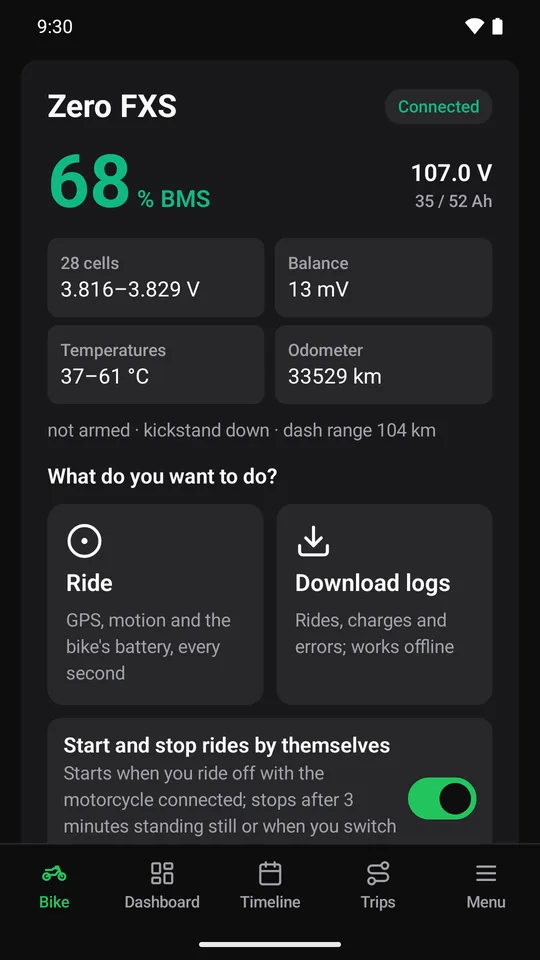
The battery as the motorcycle reports it 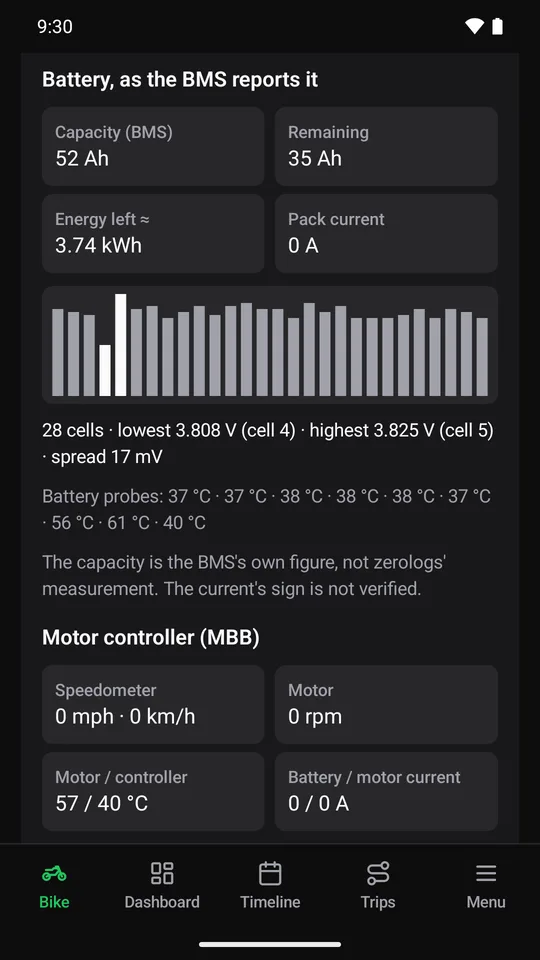
Every cell, side by side 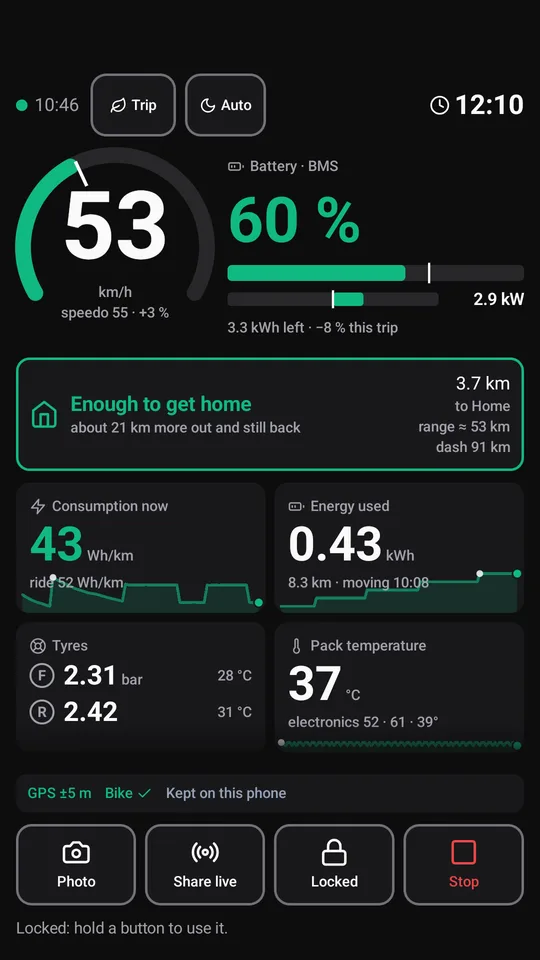
The ride dashboard 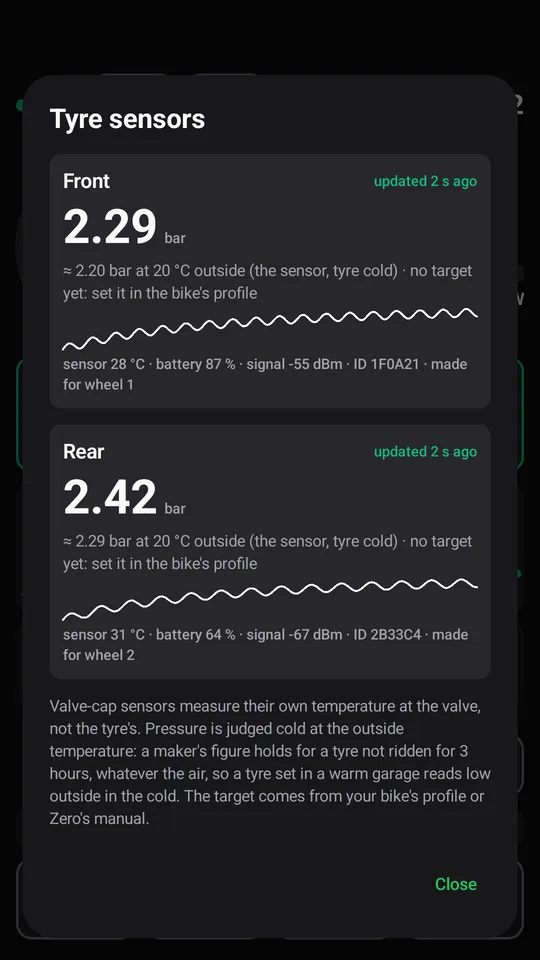
Tyre pressure from Bluetooth sensors 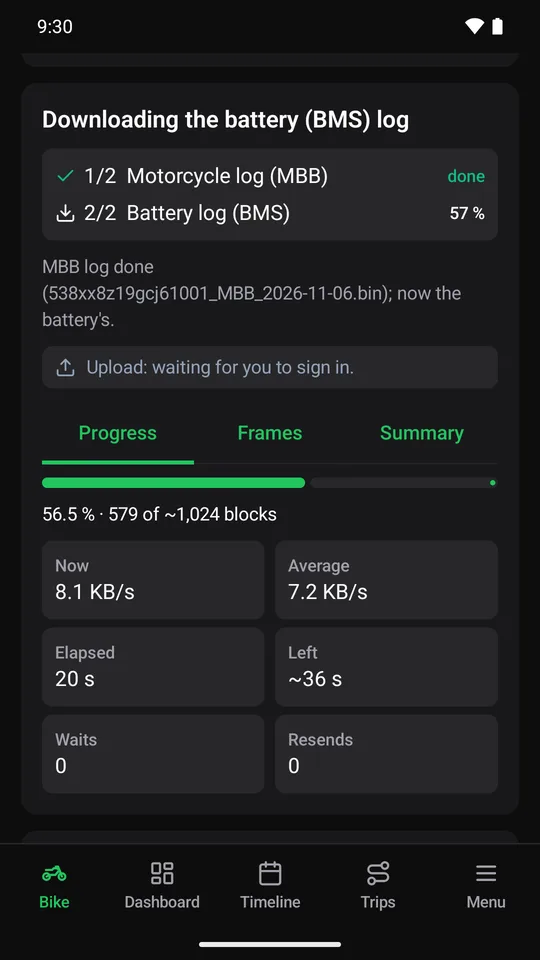
The motorcycle’s logs, over Bluetooth 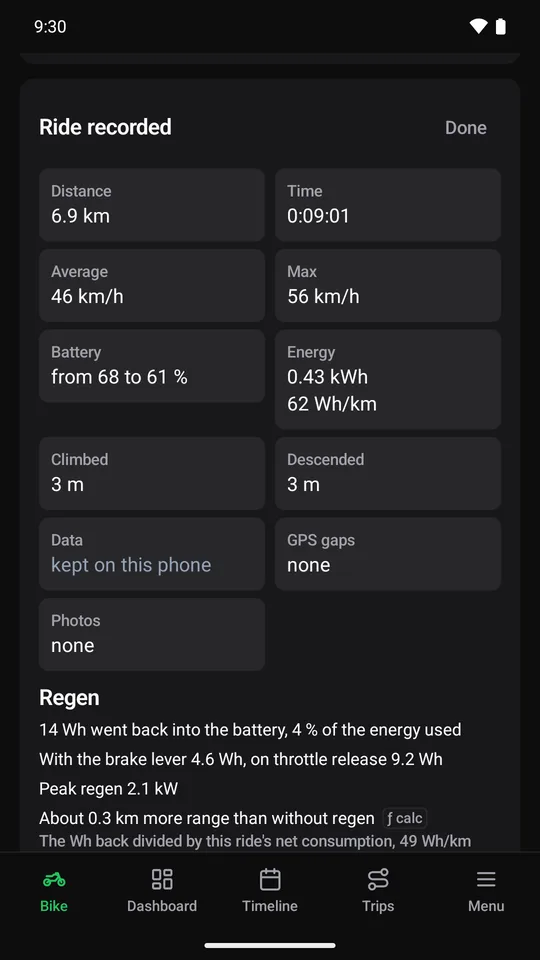
Every ride, summed up when it ends 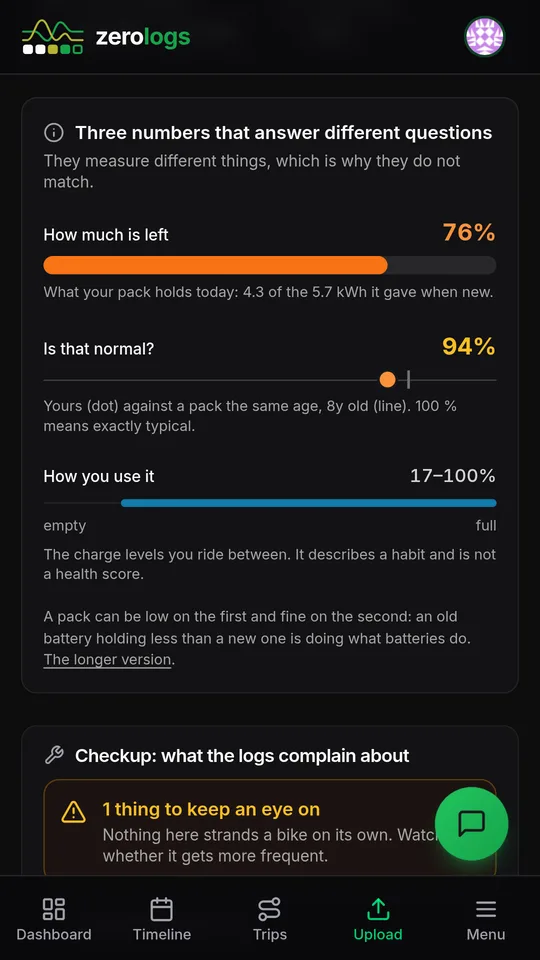
Battery health on zerologs.bike 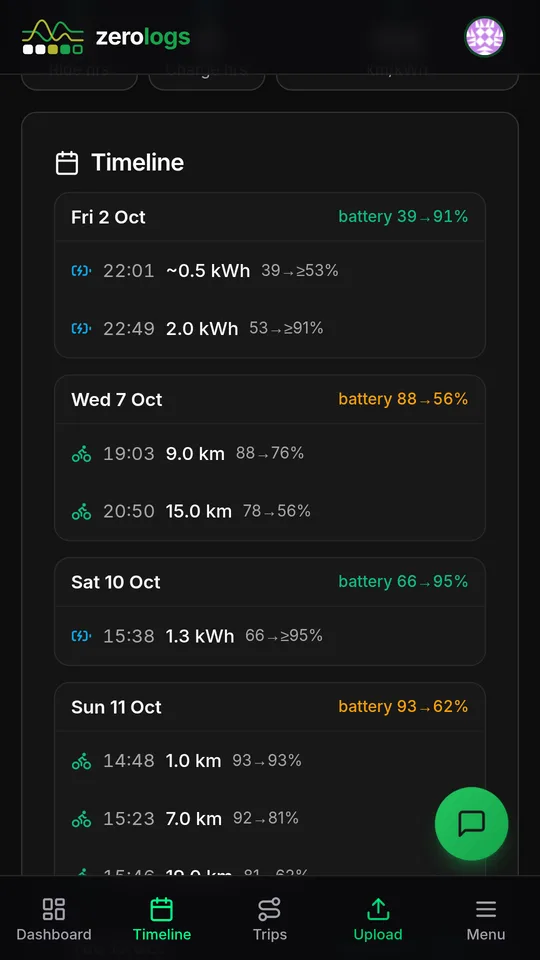
Rides and charges on zerologs.bike, day by day
What it does for you
Know the battery before you ride
The charge level live, from the motorcycle itself. On the Bluetooth Classic models you also get the pack voltage, the temperatures and every cell, so you can watch for a cell drifting away from the others.
The logs without a laptop
With the key on and the phone next to the motorcycle, the app downloads the motorcycle’s and the battery’s logs in a few minutes and uploads them. zerologs.bike then reads them for battery health, charges and errors. If the key goes off or the link drops halfway, the download carries on by itself the next time the motorcycle is on and parked.
Rides that record themselves
With the motorcycle connected, the app starts a ride when you ride off and stops it when you park. The phone’s GPS gives the route; the motorcycle adds speed, power and battery every second. You can also start a ride with the phone alone: it records the route, and the ride joins the motorcycle’s log once that is uploaded.
A dashboard made for a glance
Big numbers on a dark screen: speed, battery left, consumption, and whether there is enough charge to get home. While you ride, a button acts only when held, so brushing the screen with a glove does not stop the ride. Holding one takes a photo or starts a live link that someone at home can follow.
Tyre pressure on the dash
Pair Bluetooth tyre pressure sensors and the pressure sits beside the speed, corrected to the outside temperature.
Works with no signal
Rides, logs and photos stay on the phone, where you can open them offline, and go up to zerologs.bike once the phone has a network again.
How the data moves
You sign in once with your zerologs account, or create one in the app. Rides recorded with the app stay on the phone too, so they show offline. A ride recorded while the motorcycle is connected merges the phone’s GPS with the motorcycle’s own readings.
Which Zero gets what
- S, SR, DS, DSR up to 2023 · FX, FXS, FXE
- link
- Bluetooth Classic
- live battery
- every cell
- log download
- yes
- rides
- phone + bike
- SR/F, SR/S, DSR/X, S/F · S, SR, DS, DSR from 2024
- link
- Bluetooth LE (new)
- live battery
- charge level
- log download
- yes
- rides
- phone + bike
- XB, XE, LS1
- link
- none known
- live battery
- —
- log download
- —
- rides
- phone
| Models | Link | Live battery | Log download | Rides |
|---|---|---|---|---|
| S, SR, DS, DSR up to 2023 · FX, FXS, FXE | Bluetooth Classic | every cell | yes | phone + bike |
| SR/F, SR/S, DSR/X, S/F · S, SR, DS, DSR from 2024 | Bluetooth LE (new) | charge level | yes | phone + bike |
| XB, XE, LS1 | none known | — | — | phone |
The newer models talk Bluetooth LE, and that side of the app is new: tell us how it goes with yours. No Zero at hand? The ride recorder works with the phone alone.
Your motorcycle stays as it is
One fixed list decides every message the app can send to the motorcycle, and every entry on it is a read. A read that carries a parameter is refused, because a parameter is something we do not understand. The app never changes a setting, the clock, the charge target or the firmware.
The full list (Bluetooth Classic models)
The Bluetooth LE models get the same treatment, with the body of each message checked too. How the conversation works, measured on real captures: the Bluetooth protocol.
Without Google Play
For a phone without Google Play: a de-Googled phone, a spare phone that lives on the motorcycle, or one that installs from Aurora Store. The file is the one Google Play itself builds for this version and signs with its own key, so it is the same app the store gives everyone else.
- It does not need Google Play services. We installed it on an Android with no Google apps at all, signed in, recorded a ride with the phone’s GPS and sent it.
- A spare phone kept on the motorcycle needs a network once, to sign in. After that, rides and logs wait on the phone and go up the next time it finds Wi-Fi.
- It installs over a copy from Google Play or Aurora as an update. Your rides and settings stay on the phone.
- It does not update itself. When a new version comes out, the app says so (the app changelog lists them): open this page in your phone’s browser and download it again. Updates from Google Play install over it too.
- Before installing, check the file: its SHA-256 and Play’s certificate are below. AppVerifier on the phone, or
apksigner verify --print-certson a computer, shows both.
Looking for the file…
What Android will ask, and why
- Nearby devicesTalk to the Zero you paired through Android’s own pairing dialog, and listen to tyre pressure sensors. The scan is flagged never-for-location.
- Location (while using the app)Only while a ride records, with a notification on screen the whole time. No background location.
- NotificationsA recording in progress, a log download, an upload done.
What the app collects, and why, is in the privacy policy. You can delete your account from the app or from the website: what that deletes, and when.
New versions first
New versions reach a testers’ track on Google Play before they reach the store. If you like trying things early and telling us what broke, join it with the Google account on your phone: first the testers’ group, then the test.
The group is only a list: nobody posts in it, and only we can see who is in it. Leave it to leave the test. Something wrong? Report a problem on the app’s Bike tab sends us what happened with the app’s technical log.
Not affiliated with Zero Motorcycles, Inc.